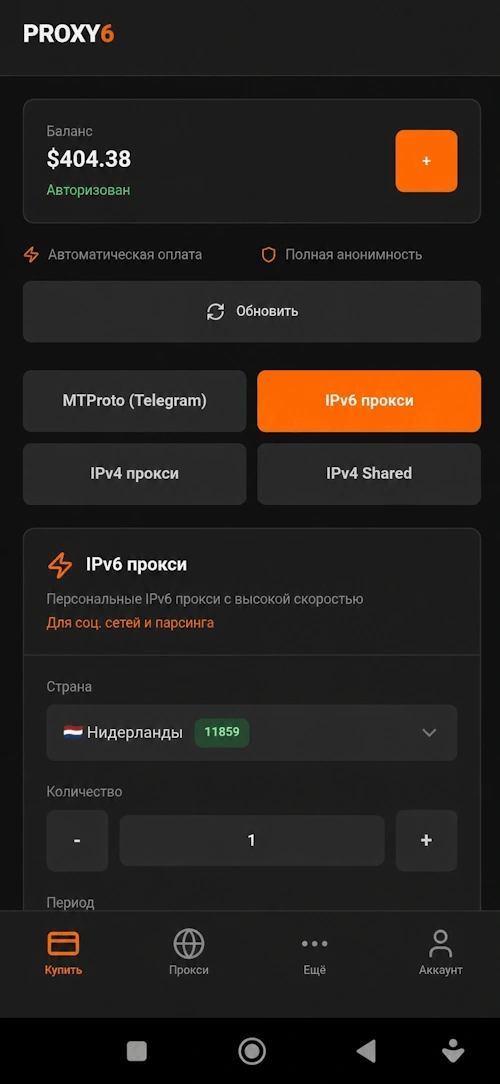
Quick purchase
Select the country, the number and the rental period in a few seconds.
Buy IPv4, IPv6, IPv4 Shared and MTProto proxies, manage active IP addresses and connect to them without a browser.
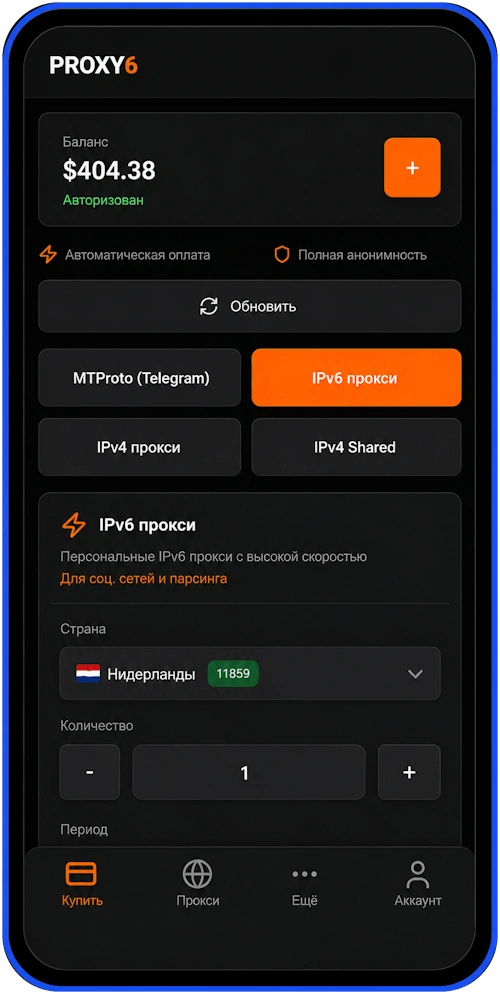
The main sections of the application are gathered around quick actions: purchase, list of active proxies, help and account settings.
Select the country, the number and the rental period in a few seconds.
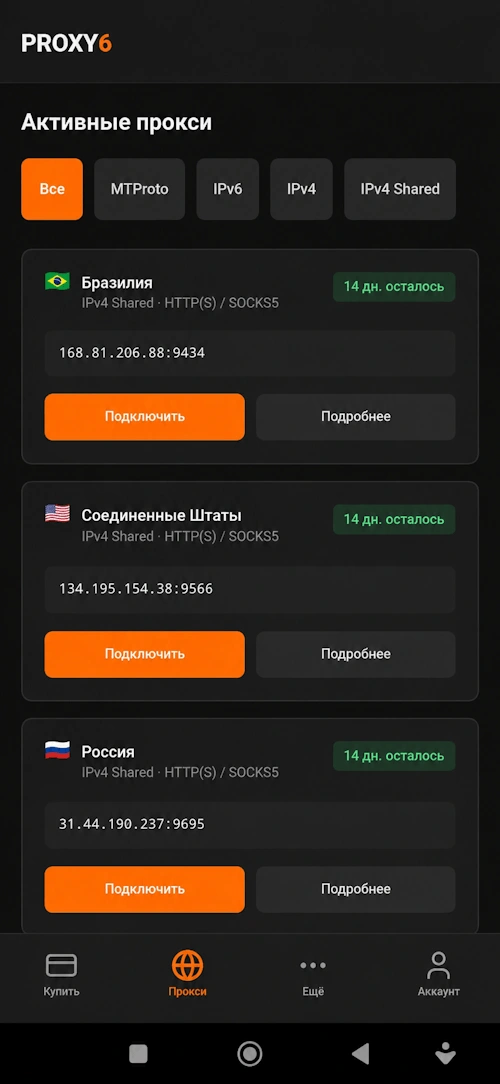
IP list, filters, expiration date, and one-click connection.
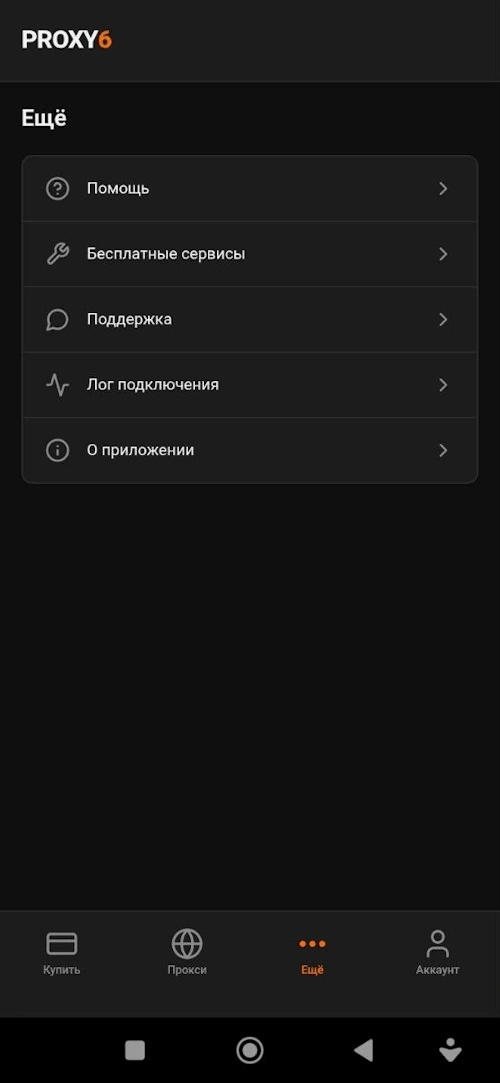
Support, free services, help, and connection logs.
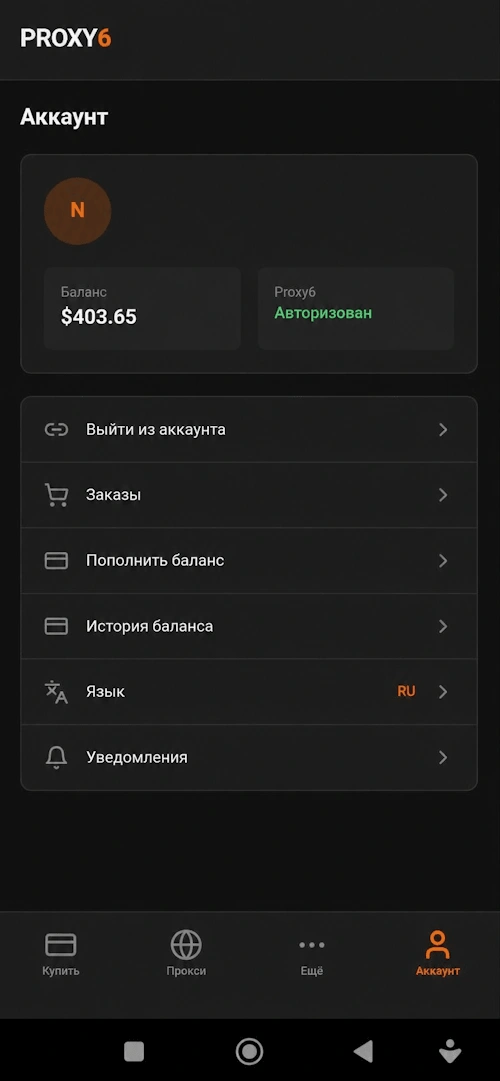
Balance, orders, account replenishment, language, and notifications.
The application retains the familiar PROXY6 logic and makes daily work with the proxy faster.
Making an order directly from your phone without going to the browser.
Support for personal IPv4/IPv6 and IPv4 Shared proxies.
Proxies for Telegram are available in the same purchase interface.
Configure which applications the proxy will work for.
Login and password support for private proxies.
Monitoring of active proxies and the remaining validity period.
Install the app and manage the proxy without a browser: buy, check the active IP addresses and monitor the lease terms.
Short answers on installing and using the application.
Download the APK file, open it on your device and confirm the installation. If Android asks for permission to install from a browser or file manager, enable it in the security settings.
The application supports IPv6, IPv4, IPv4 Shared and MTProto proxies. HTTP(S) and SOCKS5 are available for IPv4 and IPv6.
Yes, a PROXY6 account is required to purchase, view active proxies, balance, and orders.
You can quickly open the connection data in the list of active proxies. For supported scenarios, you can connect or copy the parameters in one click.
The app update is available in the "More" >> "About" section, or you can download and update the app from the current page. Account data is saved if the application is not deleted manually.